Academic workshop: Beyond the prompt
This workshop is fully booked. Registration is closed.
12 October 2026 - Alexander D'hoore
How to build software with AI and bring AI into your software?
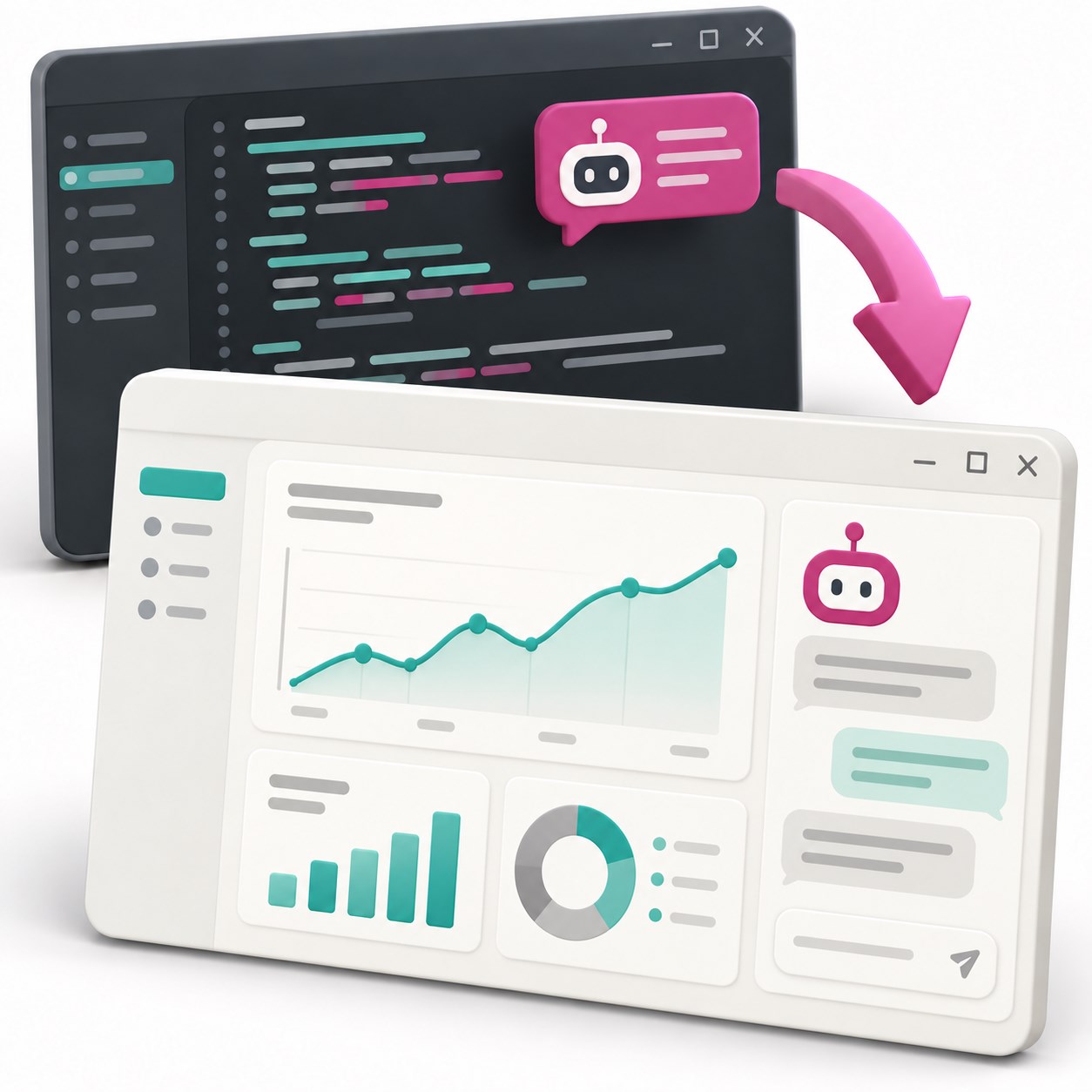
Getting useful work out of an AI agent takes more than a good prompt. It needs context, tools and clear boundaries. Understanding how these fit together also opens the door to building an assistant of your own.
On 6 January 2027, the Mechatronics research group at Hogeschool VIVES invites colleagues from across the KU Leuven Association to a free, hands-on workshop in Brugge. In the morning, we build software with AI agents. In the afternoon, we bring AI into that software.
We use a web-based data dashboard and one dataset throughout the day. Whether you work with research data, develop software or manage IT systems, you work on an example you can relate to your own field.
Target audience
Teaching staff, researchers, doctoral researchers, ICT colleagues and other staff of the KU Leuven Association are all welcome. Programming experience is useful, but not required if you are curious and motivated to experiment.
Short theory blocks with visual explanations alternate with guided exercises. Starting code, personal guidance and optional challenges let you progress at your own pace.
Morning: build software with AI
We start with what a large language model actually does, then look at what turns it into an agent that can read files, write code and run tools. From there, we explore how to work effectively with that agent:
- Context, memory and skills: give it the right instructions and project knowledge, and understand what happens when a conversation becomes too long.
- Permissions and control: distinguish asking an agent to respect a rule from technically restricting what it can access or execute.
- Extending its reach: connect to other systems through scripts, plugins and the Model Context Protocol (MCP), and understand how subagents divide work.
In the guided exercises, you use a coding agent to understand and extend a prepared dashboard. The aim is to move beyond asking for code: plan a change, give the agent useful context and check what it produces.
Afternoon: bring AI into your application
In the afternoon, we turn the dashboard into an application with its own AI assistant. We start with a simple exchange: a user asks a question, the application sends it to a model through an API, and the answer appears in the dashboard. From there, we build a conversation by managing its history and context, and explore structured output when our code needs more than a text response.
To make the assistant useful, we give it tools to work with the data. It can request information or propose an action, but our application decides what it is allowed to do and when a person must approve. This makes the agent loop from the morning concrete: this time, we build it ourselves.
We then explore how the assistant can draw on your own information, rather than relying only on what the model already knows. This introduces retrieval-augmented generation (RAG), with a look at knowledge graphs, embeddings and vector search. We finish by looking beyond the built-in assistant: how an MCP server can make your application's functions available to other agents, and when fine-tuning a model might be useful.
These advanced topics are a conceptual introduction, with optional exercises for selected techniques. You do not need to implement everything to follow along.
Bring your laptop
Just bring your own laptop and make sure you have permission to install a small amount of software, such as VS Code and a coding assistant. All workshop exercises run on the Linux server environment we provide, keeping local installations to a minimum. We'll guide you through setup during the workshop.
If you already have a suitable Claude Code or ChatGPT Codex subscription, you can use it during the workshop. Otherwise, we provide a free route using an open coding tool connected to our model.
Everyone gets the API access needed to add AI to their application. No paid subscription or additional API credits are required.
Practical information
- When: 6 January 2027, 09:00–16:00.
- Where:
- Hogeschool VIVES, Xaverianenstraat 10, 8200 Brugge
- Main building, classroom B303 (corridor B, 3rd floor)
- Who: all staff of the KU Leuven Association.
- Cost: free. Registration is required.
- Language: slides and exercises are in English. The workshop is delivered in English, or in Dutch if everyone attending is Dutch-speaking.
- Lunch: not included. Bring your own or buy lunch on campus. Coffee and drinks are available free of charge.
Registration
This workshop is fully booked. Registration is closed.
Questions? Contact Alexander D'hoore - [email protected].